Construction
Streamline construction expense management: From the field to finance
Expensify helps construction companies manage job site expenses with ease. Automate expense tracking, reimburse crews fast, and get realtime visibility into every purchase, all from one platform. Whether you’re tagging receipts by project, syncing data with your accounting software, or using the Expensify Card, you’ll spend less time on admin and more time building.

Track project expenses

Capture job site spend

Reimburse crews faster

Bring your own card
Built for your construction business
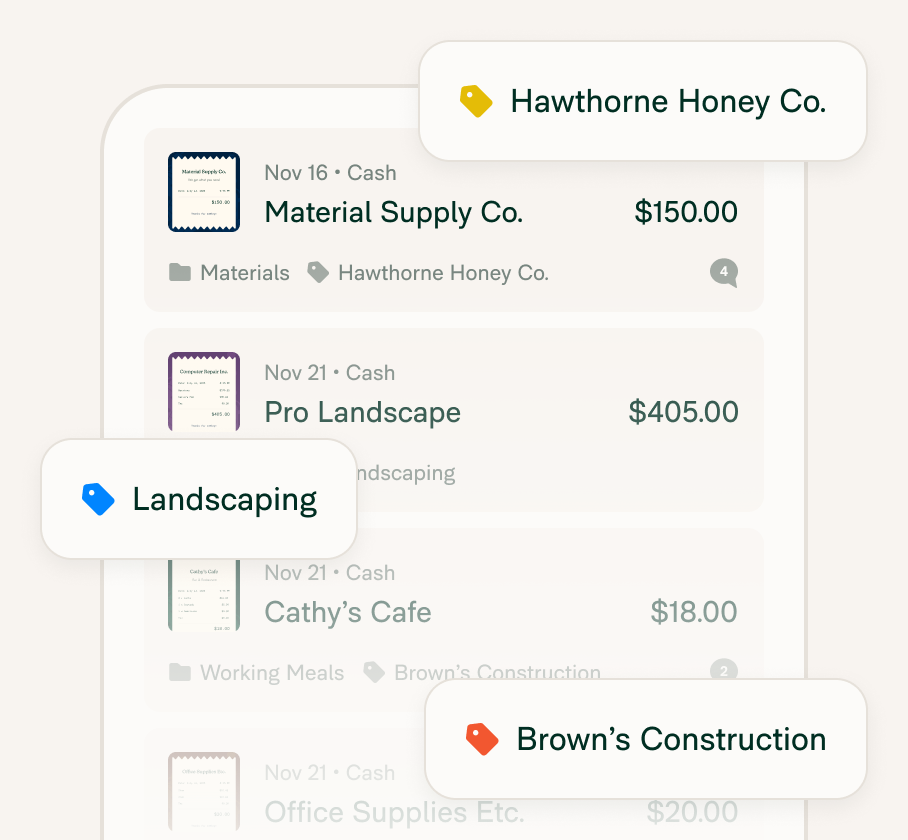
Realtime visibility into spending
Track and report costs as they happen with live sync.
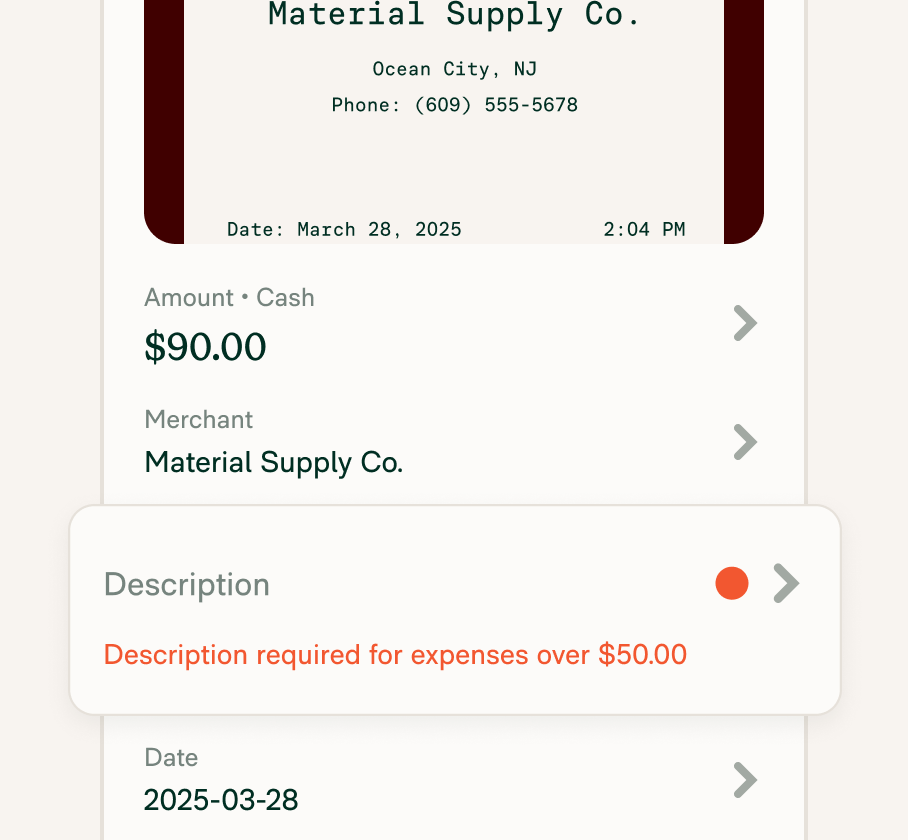
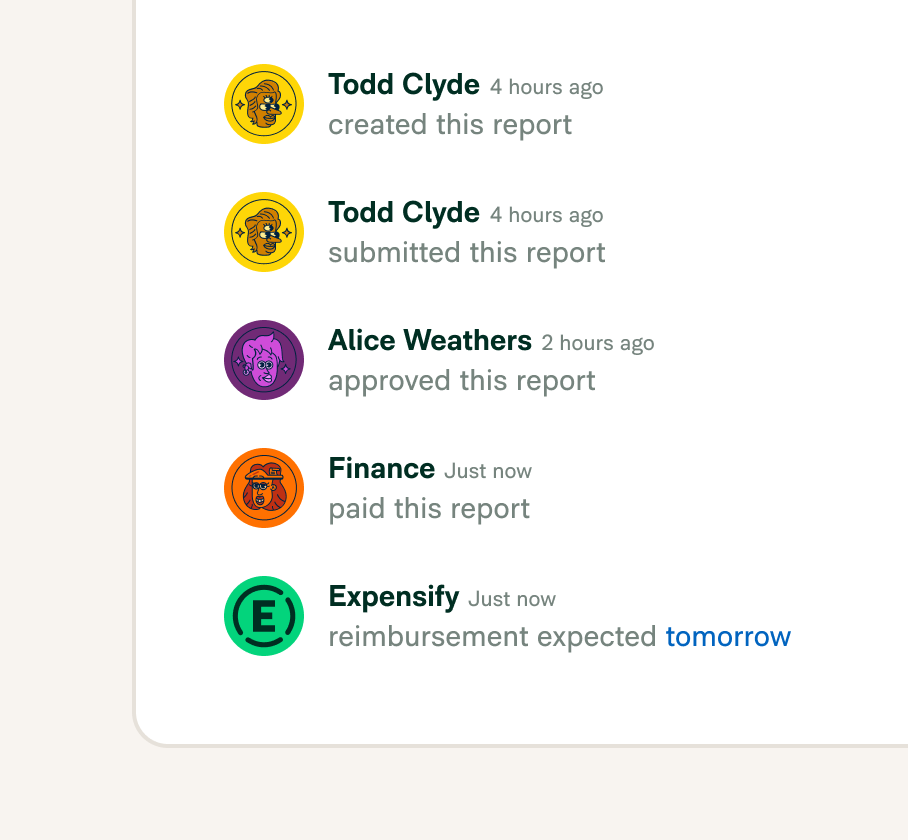
Fast reimbursement for crews and contractors
Pay back approved expenses as soon as the next business day.
Bring your own card or use the Expensify Card
Connect your own corporate card or issue the Expensify VisaⓇ Commercial Card to simplify tracking.

FAQs
-
Construction expense management software helps companies track job site spending, reimburse employees, and sync reports with accounting tools. Expensify automates each step, reducing errors and improving cost visibility across all your projects.
-
Yes. Expensify lets you tag each expense by job, project phase, department, or even individual crew. This makes it easy to manage budgets across multiple job sites with realtime reporting and full visibility.
-
Absolutely. Expensify’s mobile app is built for on-the-go teams. Just snap a photo of a receipt or swipe the Expensify Card to instantly log an expense.
-
Once approved, Expensify reimburses employees and contractors as soon as the next business day (thanks to ACH transfer), helping you keep operations smooth and morale high.
-
Yes. You can link your existing company cards or issue Expensify Cards to automatically import, categorize, and reconcile spending with up to 2% cash back on every USD purchase.
-
The easiest way is to use Expensify’s SmartScan. Just take a picture of the receipt with the mobile app, and it’s automatically categorized and matched to the right expense. No manual entry, no paper trail. You can also text receipts to 47777 with your US number or forward them to receipts@expensify.com.
-
Yes. Expensify integrates with platforms like QuickBooks, NetSuite, Xero, and Sage Intacct. You can sync expense data directly to your general ledger for faster month-end closes and more accurate job costing.
-
Common construction expenses include materials, equipment rentals, fuel, subcontractor payments, travel, meals, and site-related purchases. With Expensify, you can easily track and categorize all of these costs by job, crew, or department to ensure accurate budgeting and financial reporting.
-
Labor is typically the largest cost in construction, followed closely by materials and equipment. Expensify helps manage these costs by providing realtime visibility into field spend and automating expense tracking for purchases, mileage, and reimbursements.
-
Construction expenses can be categorized by project, phase, vendor, type (e.g., materials, labor, travel), or department. Expensify supports custom categories and tags, making it easy to organize costs in a way that matches your internal job costing structure.
Try Expensify today
See how much time you can save by integrating Expensify with Gusto. From onboarding to expense reporting to reimbursement, everything just works faster, smarter, and easier.
Start your free trial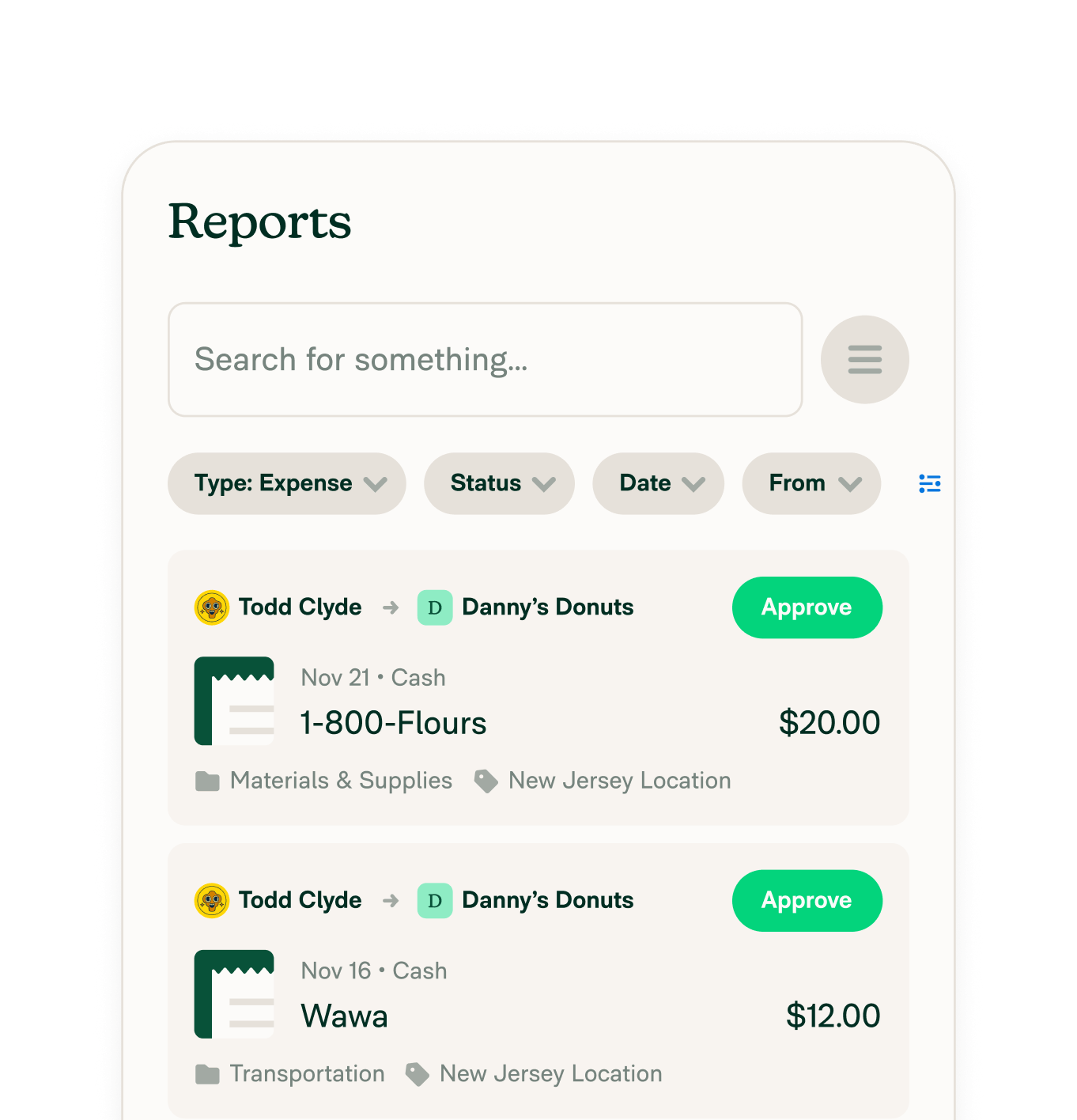
Features

Get Started